
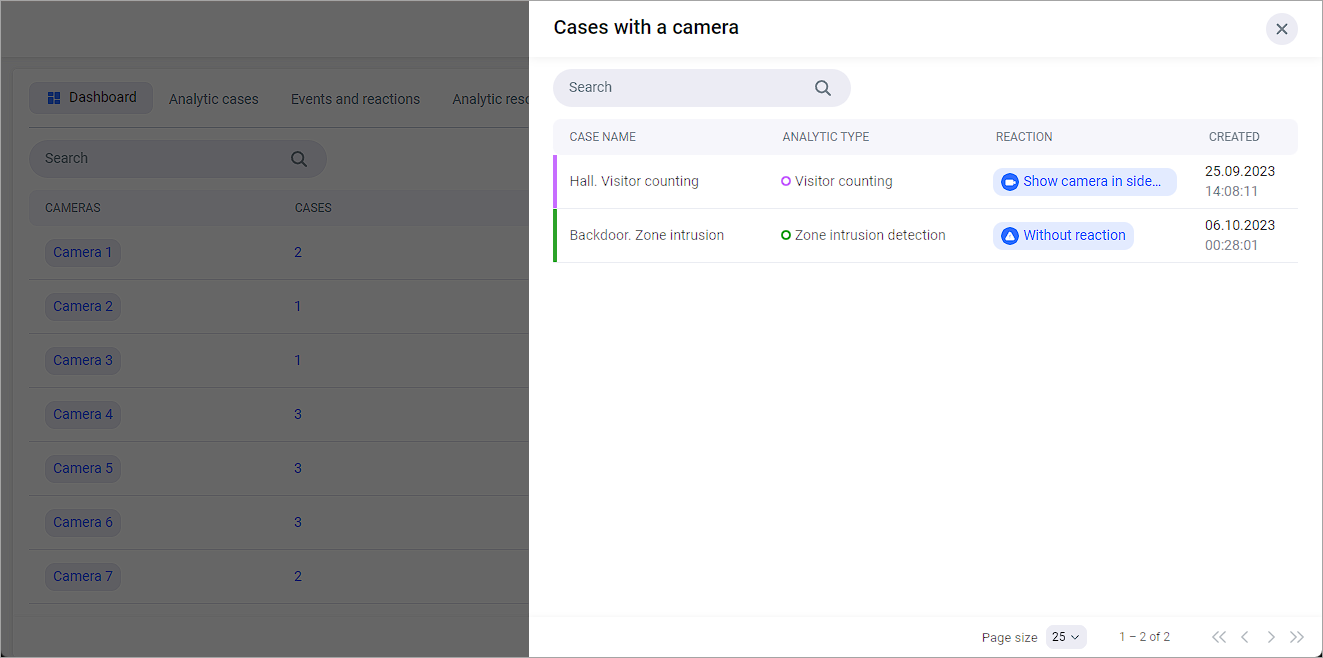
On the Cameras tab of the Analytics section, a list of cameras associated with analytics cases.
.png?cb=099af068d5494a809228115984d0f62b)
The table includes:
-
A camera name. Selecting the title opens a player with real-time playback.
-
The number of cases in which the camera is used. When you click on a number, a list of cases is displayed. The list allows you to search by the name of the analytics case.
-
Number of analytics types the camera is involved in.
-
Camera status.
-
Number of reactions.
The page provides list filters:
-
By type of analytics.
-
By camera status.