
Additional actions are available when viewing a configuration template card:
-
View the list of cameras currently utilizing the template.
-
Apply the template to a specific camera.
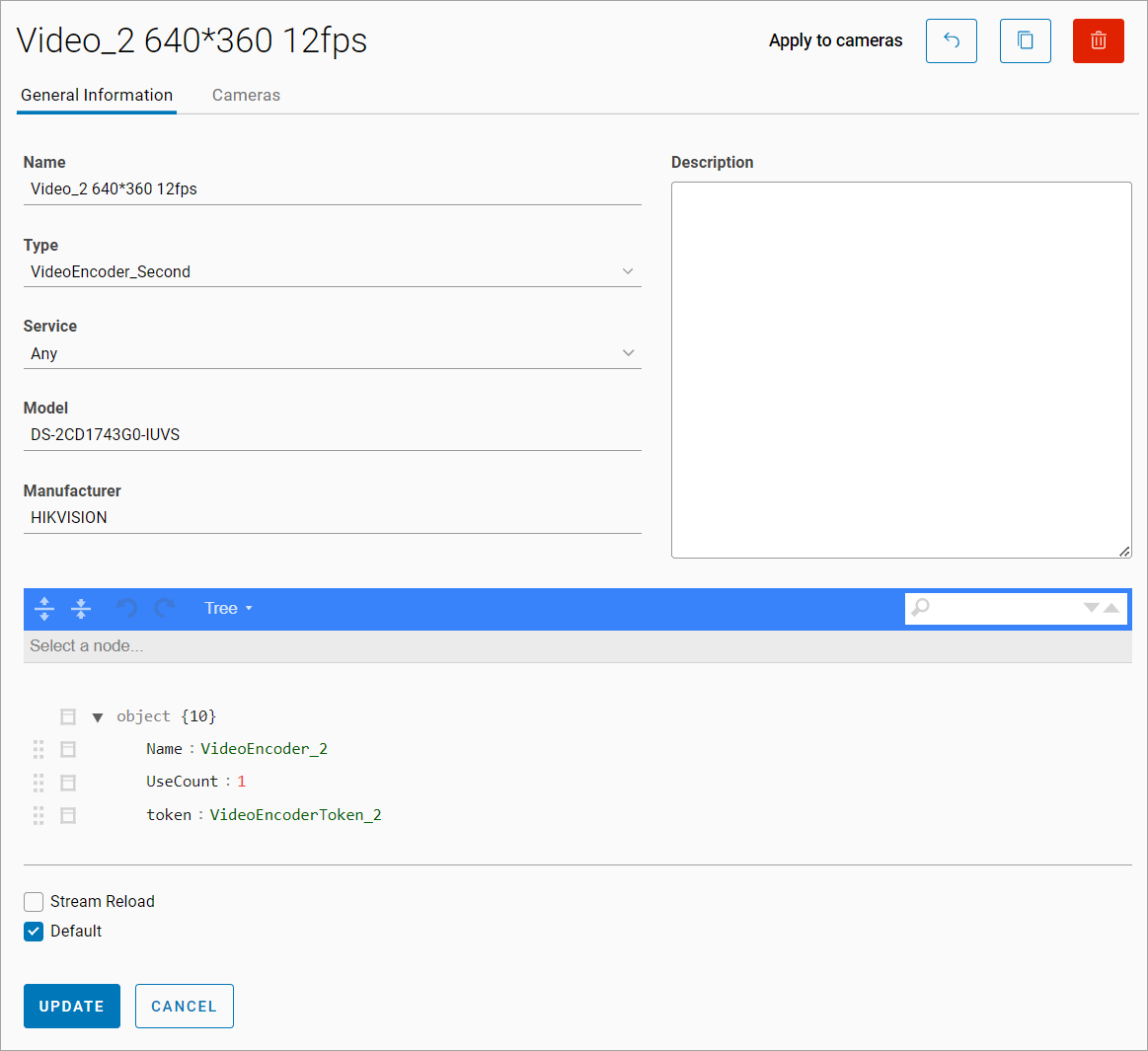
To apply the template to a camera:
-
Select Apply to cameras.
-
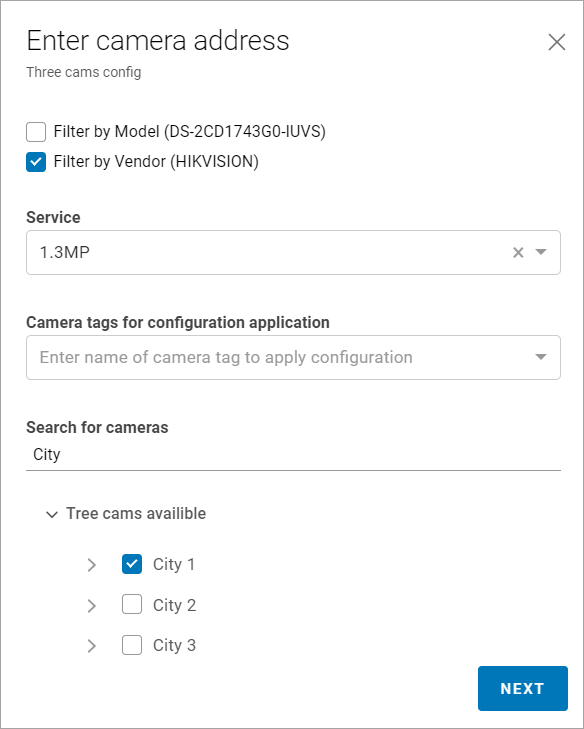
Use the filtering options to select the cameras:
-
By model
-
By manufacturer
-
By service
-
By tags
-
-
Specify the camera location
-
Select Next.
To view the cameras associated with this particular template, navigate to the Cameras tab.
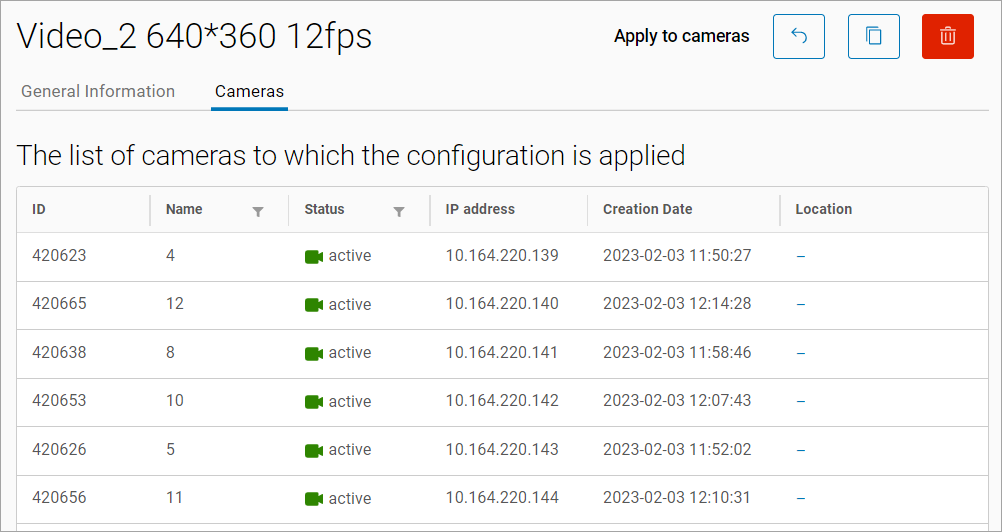
Selecting a row will navigate to the camera settings.