
Translation editing is possible in three types of item display:
-
Code
-
Text
-
Tree
The default display type is Tree.
For switching between display types, refer to the Change a display type page.
Tree
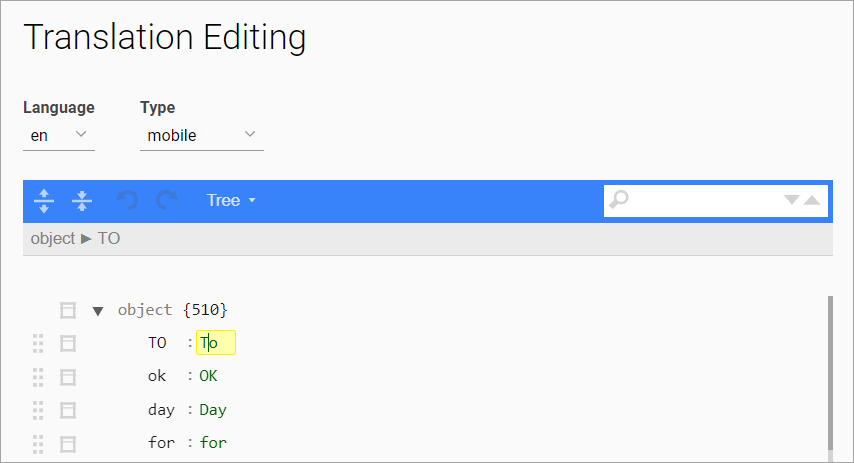
To edit a translation or an item, click on the item or translation and modify it by entering the desired value on the keyboard. The edited translation or item will be highlighted in yellow.
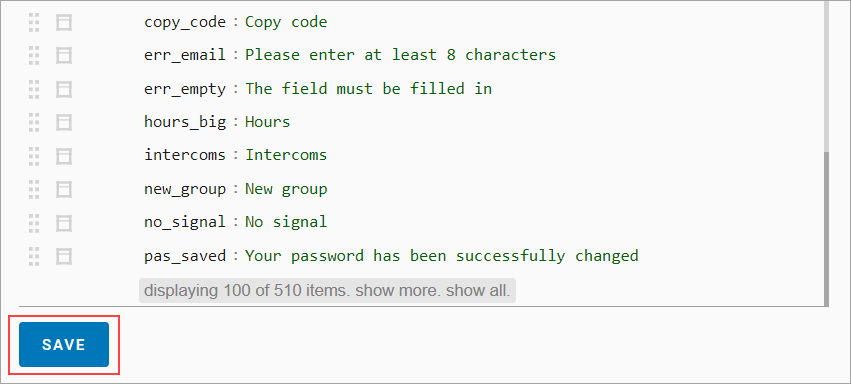
To save the changes, click Save at the end of the item list.
Code
In the Code display type, the entire line is available for editing. The edited line will be highlighted in yellow.
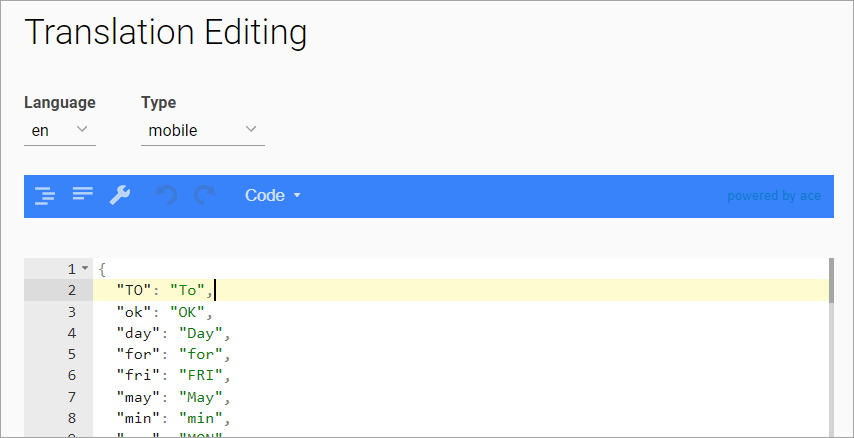
To save the changes, click Save at the end of the item list.
Text
In the Text display type, the entire text is available for editing.
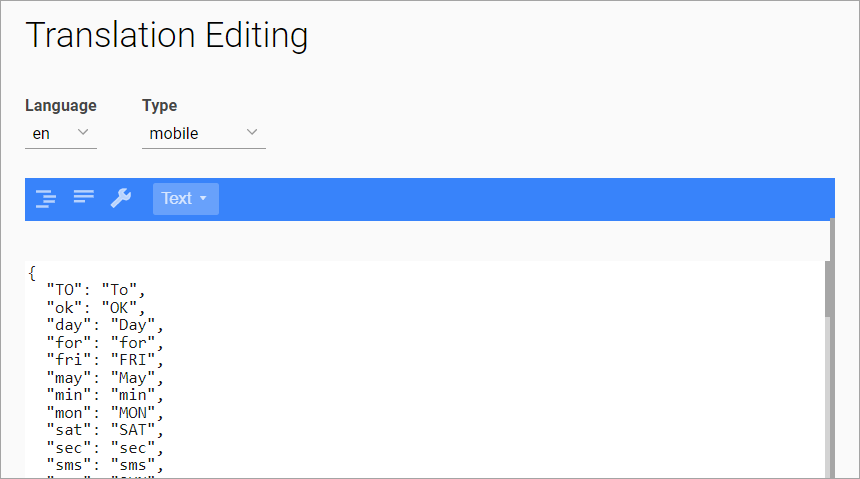
To save the changes, click Save at the end of the item list.