To delete a layout, navigate the Cameras tab > Layouts.
Call out the context menu of a relevant layout by selecting the vertical ellipses icon (⋮).
Select Delete layout and confirm the action.
You can also delete a layout while editing it.
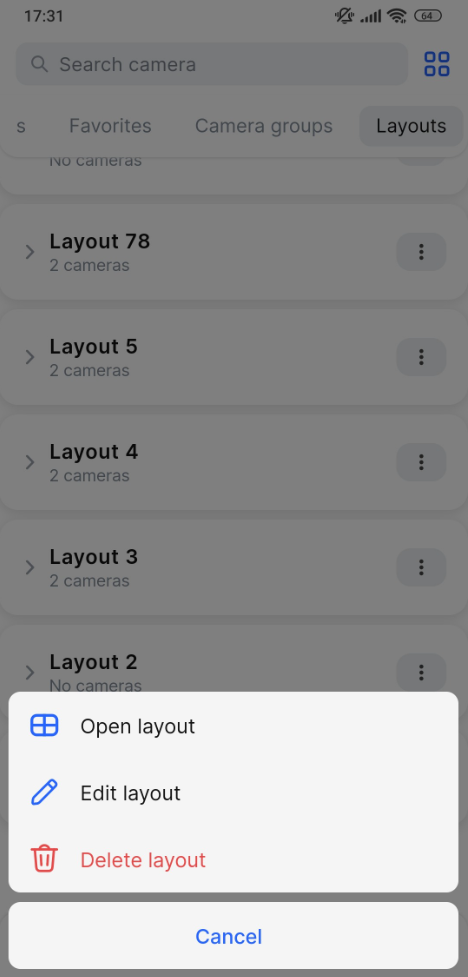

To delete a layout, navigate the Cameras tab > Layouts.
Call out the context menu of a relevant layout by selecting the vertical ellipses icon (⋮).
Select Delete layout and confirm the action.
You can also delete a layout while editing it.