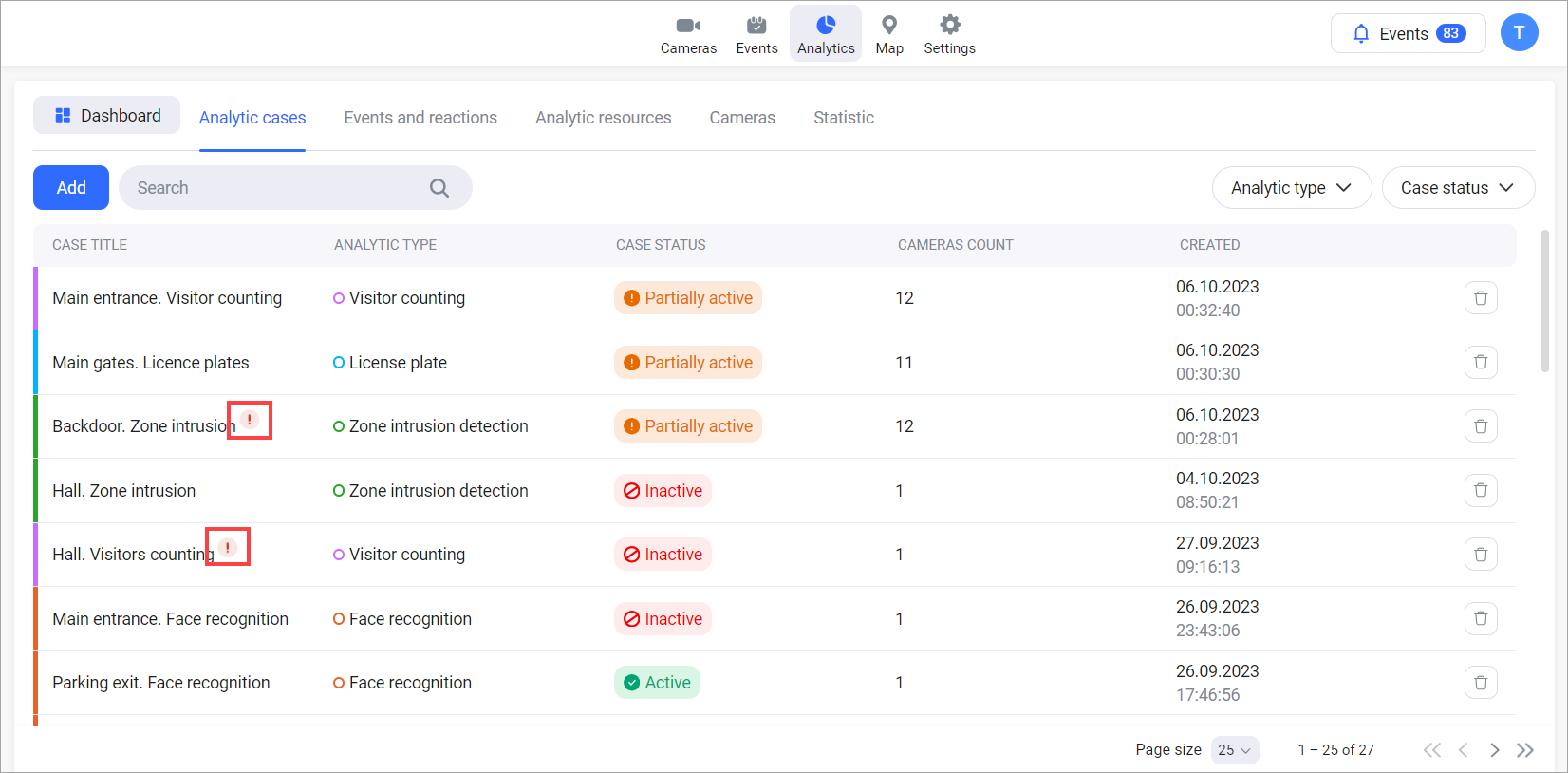
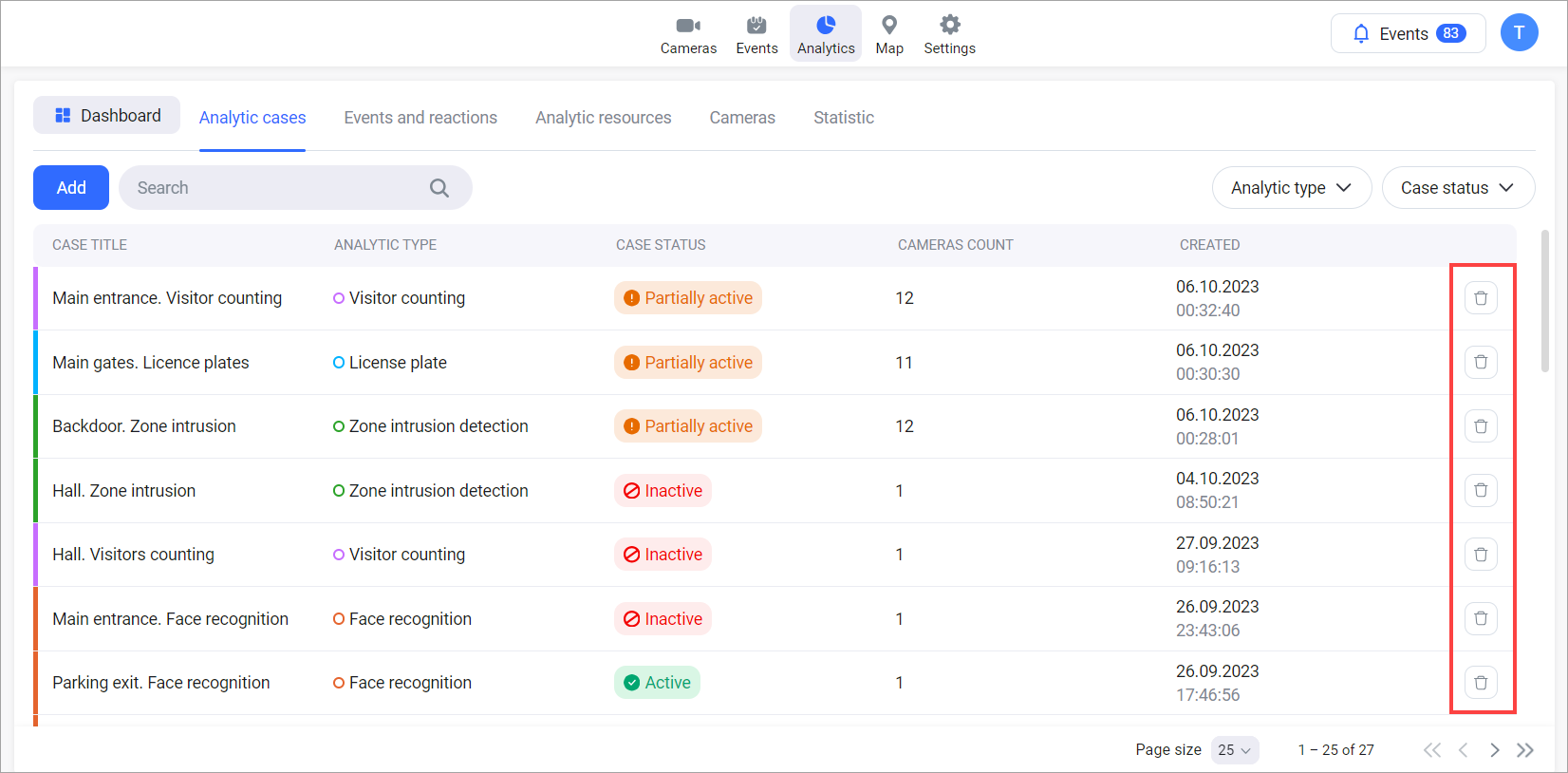
To delete an Analytics case, select the Delete button of a relevant case.
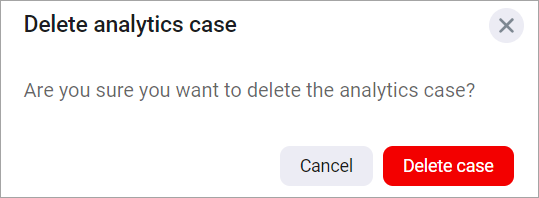
Next, confirm the action.
Case deletion error
The case deletion won’t be completed if one of the case cameras fails to be removed because of an error. This will result in:
-
The case being marked in the list with an error icon indicating a camera deletion failure.
-
The icon remaining visible until the case is refreshed.
You can retry deleting the case later.