
To delete a reaction:
-
Select the corresponding entry in the table.
-
Select the Delete icon.
Before deleting, make sure the reaction you are deleting isn’t used in Analytics cases.
.png?cb=a135938328ebb74489f7984f50215ca5)
-
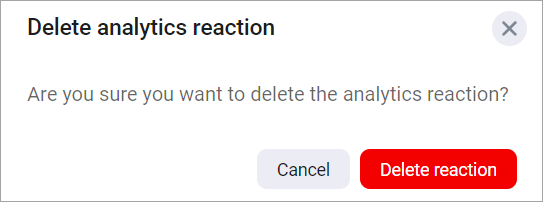
Confirm the action.
Upon deletion of the sole reaction associated with a camera in an Analytics case, the Desktop client automatically activates the No reaction option for camera reactions within the case settings for a camera.
Automatic deletion of a reaction
Deleting a Desktop-created Analytics case from within the Desktop client automatically removes all event reactions that were enabled for that case specifically within the Desktop client.