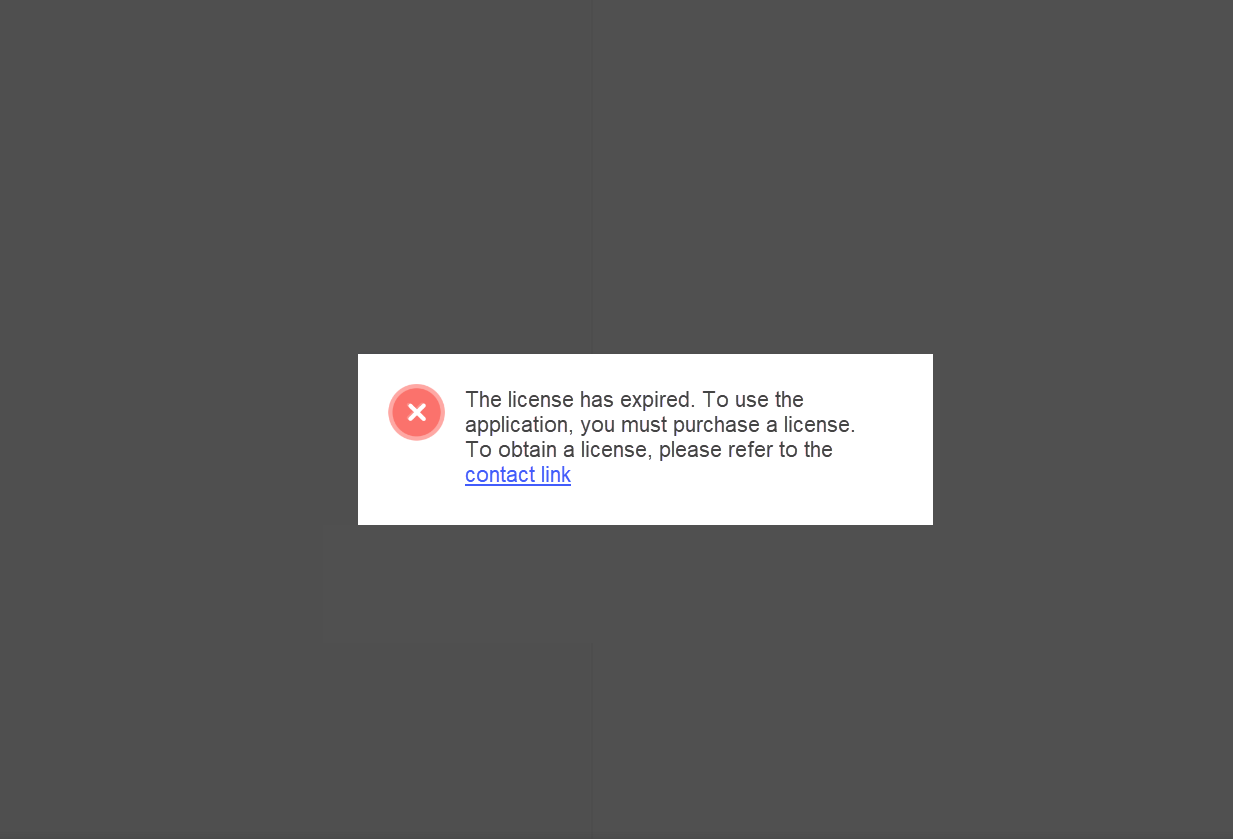
The Administrator interface automatically checks the following upon login:
-
License server availability
-
License expiration
The license server
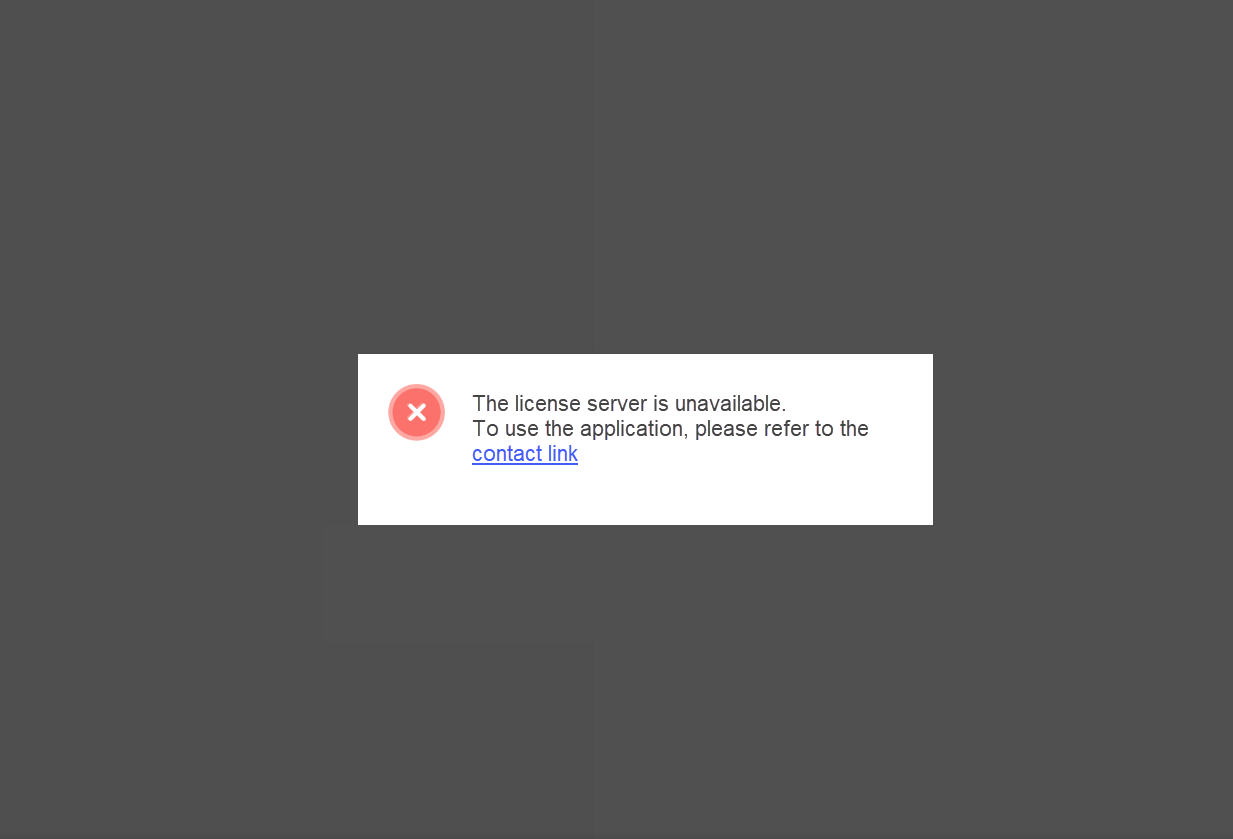
If there is no connection with the license server, a message of the relevant information message is displayed on the screen.
Connection attempts are made every 24 hours. The total number of connection attempts is as follows:
-
3 attempts for administrators.
-
5 attempts for users.
Upon completion of the connection cycle, the system will be blocked, and the following message will appear on the screen:
License expiration
The relevant message will be shown on the screen with two days remaining before the license expiration date. The message is also displayed one day before the license expiration date.
Following license expiration, the system is blocked, and a message containing support contact details appears on the screen.